> ## Documentation Index
> Fetch the complete documentation index at: https://docs.siflow.cn/llms.txt
> Use this file to discover all available pages before exploring further.
# Refly
> 了解如何在 Refly 中添加 OpenAI 兼容供应商并配置 Base URL,接入 siflow endpoint,在 AI 工作流编排中使用算秩模型。
[Refly](https://github.com/refly-ai/refly) 是一款开源的 AI 工作流编排平台(vibe workflow)。它支持自定义 **OpenAI** 兼容供应商,因此可以接入算秩模型推理服务。
本文以 `glm-5.2` 为例。完整模型清单与价格见 [模型广场](https://console.siflow.cn/model-inference/models)。
## 配置
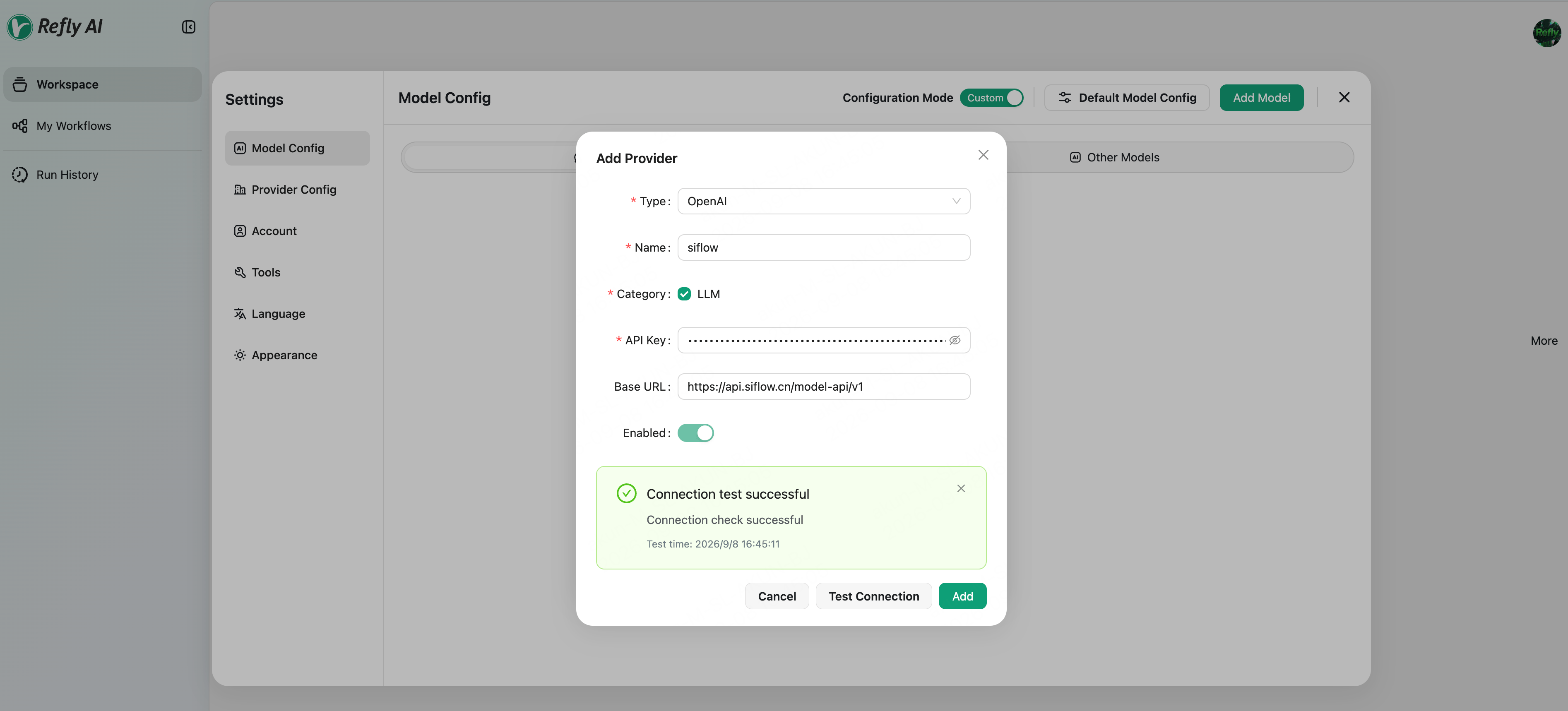
在 [API 密钥](https://console.siflow.cn/model-inference/api_keys) 页面创建一个 API Key。登录 Refly 后,打开 **Settings → Model Config**(或 Provider Config),单击 **Add Provider**,填写:
| 字段 | 值 |
| -------- | ----------------------------------------------------------------------------- |
| Type | **OpenAI** |
| Name | 自定义名称,如 `siflow` |
| Category | LLM |
| API Key | 您在 [API 密钥](https://console.siflow.cn/model-inference/api_keys) 页面创建的 API Key |
| Base URL | `https://api.siflow.cn/model-api/v1` |
单击 **Test Connection**,显示 **Connection test successful** 后单击 **Add**。
 保存后单击 **Add Model**,填入模型 ID `glm-5.2`。
## 验证
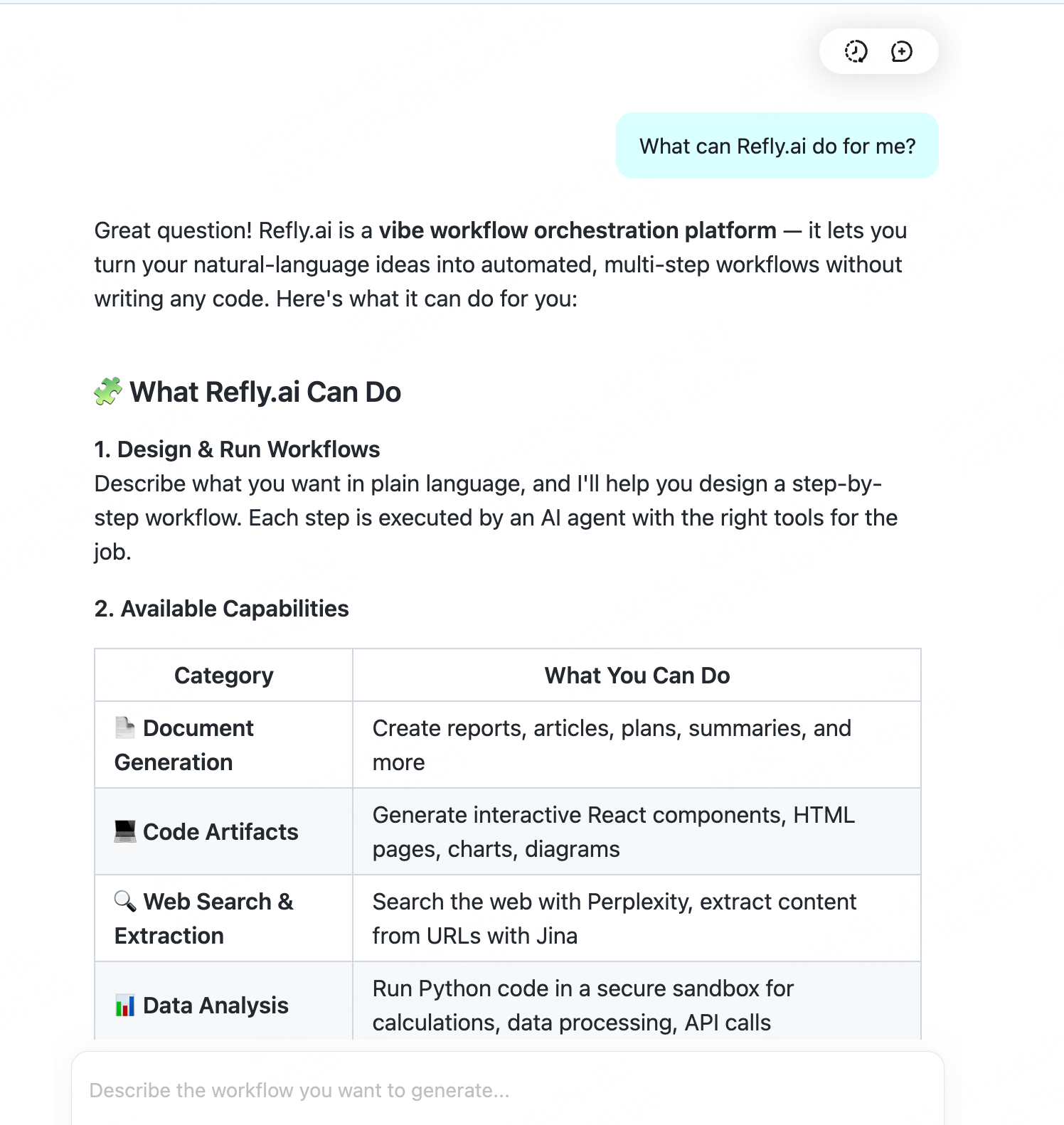
在对话中使用该模型,发送一条消息,能正常回复即接入成功。
保存后单击 **Add Model**,填入模型 ID `glm-5.2`。
## 验证
在对话中使用该模型,发送一条消息,能正常回复即接入成功。
 ## 常见问题
* **Type 选 "OpenAI" 即可**:其 Base URL 可自定义,填 `https://api.siflow.cn/model-api/v1` 指向 siflow endpoint;无需专门的算秩预设。后端基于 LangChain `ChatOpenAI`。
* **供应商在 Web UI 里配置**(存于账户),不是环境变量;添加后用 **Test Connection** 即可确认连通。
* 需要工具调用 / 工作流能力时,选用支持工具调用的模型(`glm-5.2` 可用)。
## 常见问题
* **Type 选 "OpenAI" 即可**:其 Base URL 可自定义,填 `https://api.siflow.cn/model-api/v1` 指向 siflow endpoint;无需专门的算秩预设。后端基于 LangChain `ChatOpenAI`。
* **供应商在 Web UI 里配置**(存于账户),不是环境变量;添加后用 **Test Connection** 即可确认连通。
* 需要工具调用 / 工作流能力时,选用支持工具调用的模型(`glm-5.2` 可用)。